Drop shadow effect
Add a drop shadow behind whatever is drawn, following the shape of your object (or of everything on the layer when used as a layer effect).
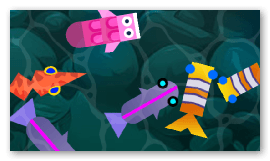
You can control the shadow's direction and distance, its blur (soft vs. sharp), and its color and opacity. It's handy to make sprites, text or UI elements stand out from the background and give a sense of depth. This is a 2D-only effect.
Reference
All effects are listed in the effects reference page.